
In Refine fields, pick who fills each field. Primary signer is the default. Choose New signer to add another, like a co-applicant or a manager.
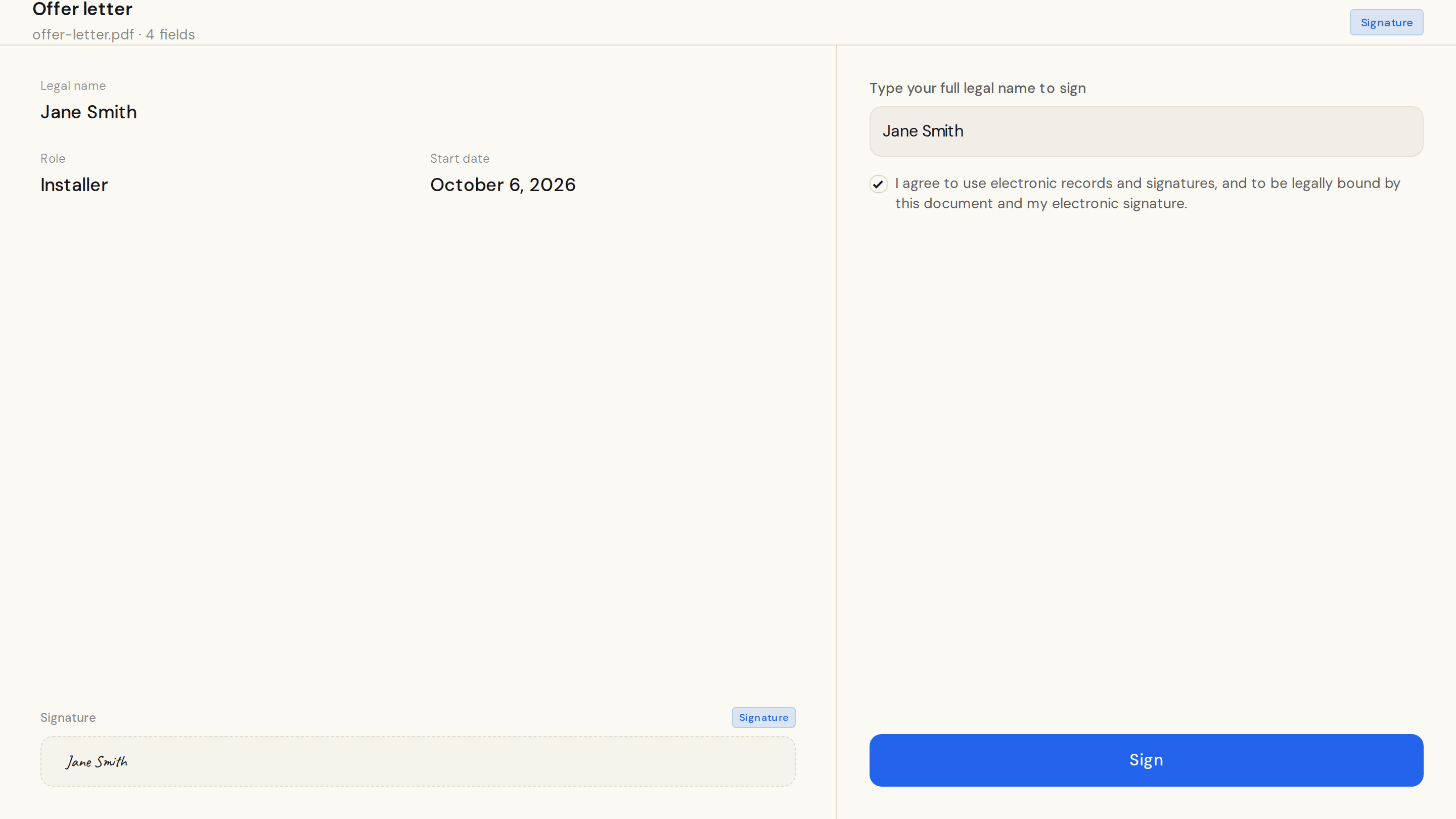
The link goes to the primary signer. The signing page takes one signer at a time, and each fills only their own fields. Every signature is a separate entry in the audit record.
The page lists everyone on the document in signing order, and who has signed.
A signer named Landlord signs last. That step opens once everyone else has signed, and only someone on your team who is signed in to the dashboard can take it.
How to use it is in Signing documents.