
Workforce reporting by text
Your crews text in their updates.
TextWork turns them into reports.
Trusted by teams in the field
145+
Jobsites tracked
17,000+
Text messages exchanged
180+
Reports generated
Texts in. Reports out.
Your team texts in
Finished jobs, supply needs, and safety issues arrive the moment they happen. TextWork asks the follow-up questions and logs it.
TextWork
Managers see everything
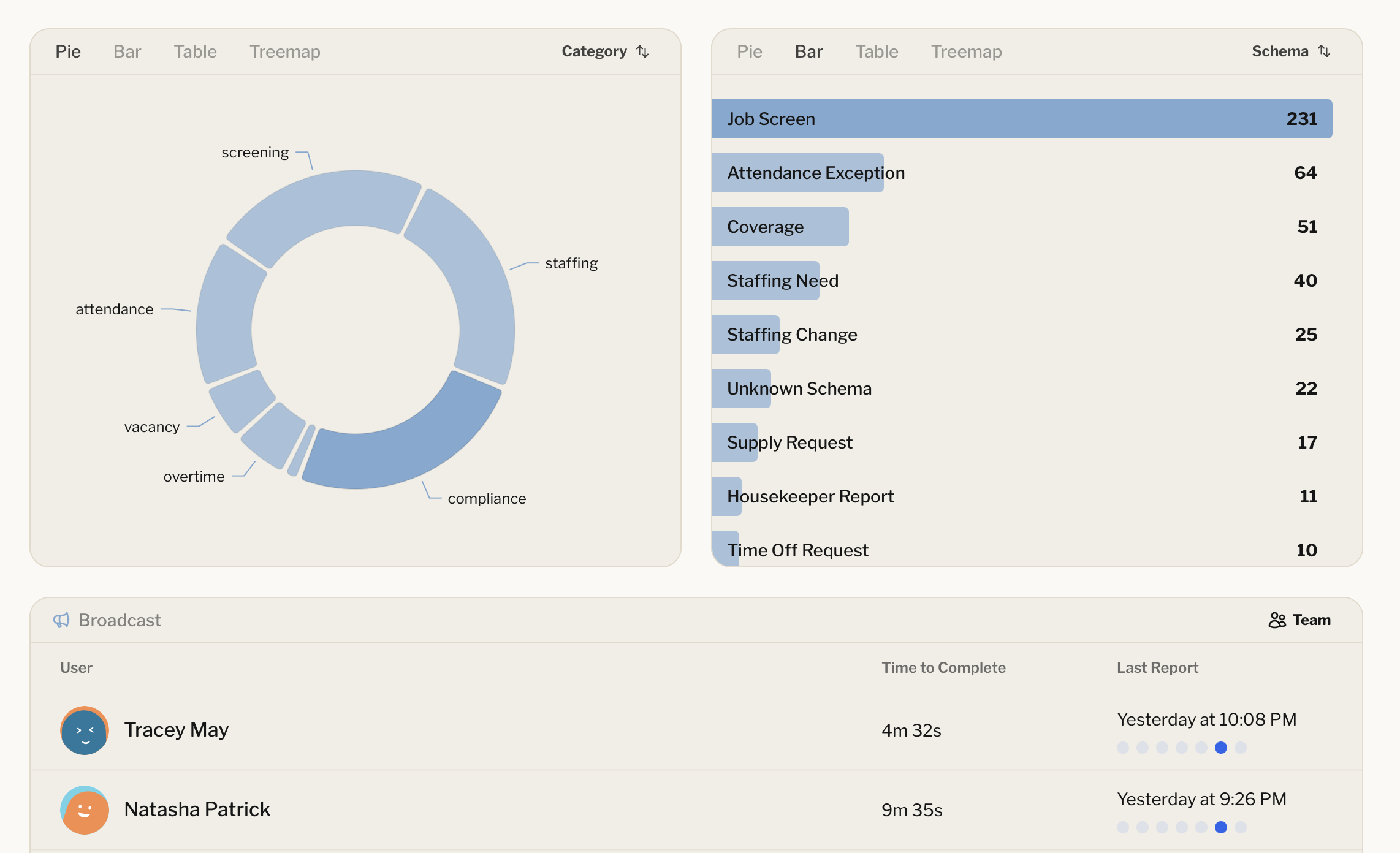
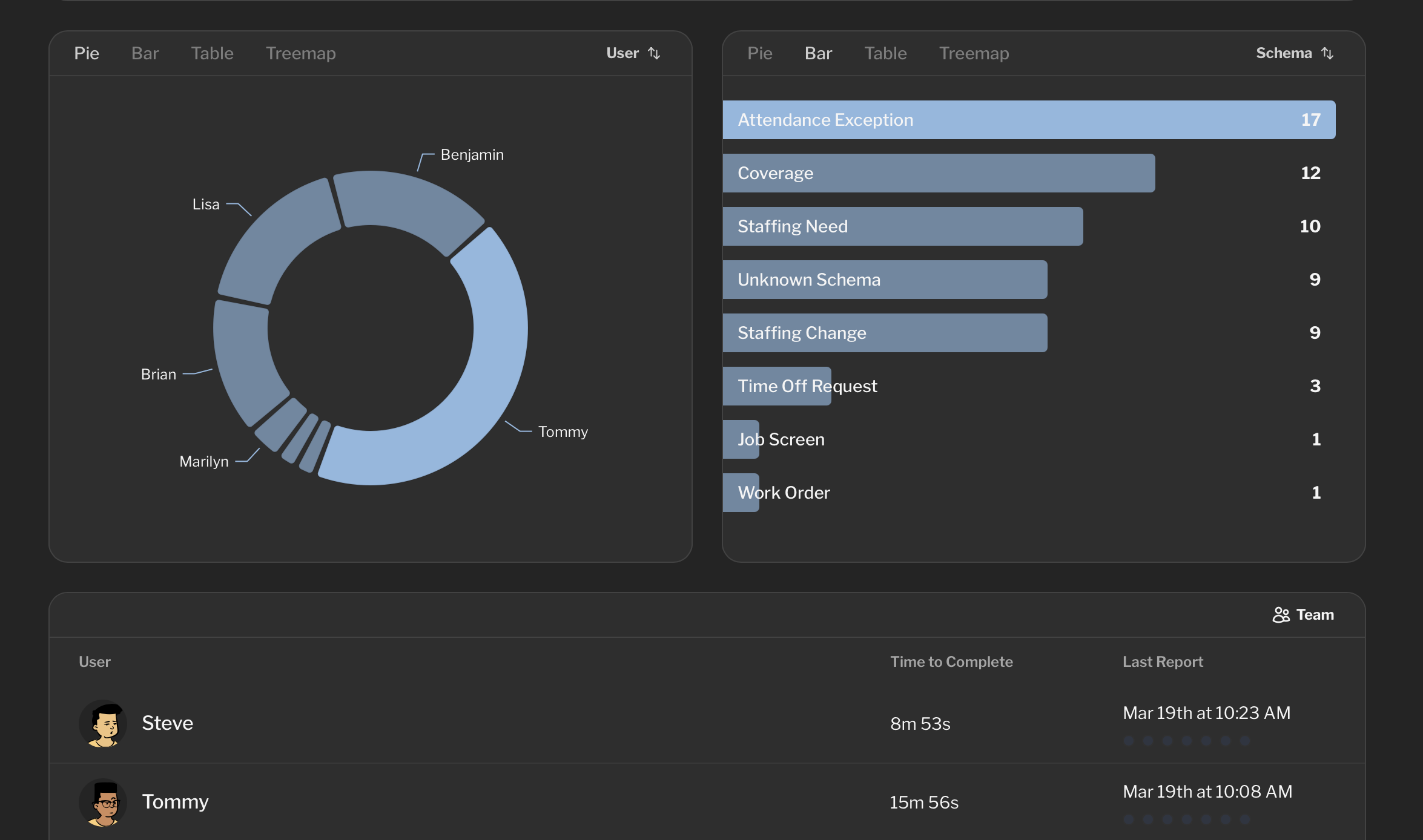
Every report is sorted by type and site. Click a slice to see who reported and what happened.
Workforce reporting without the paperwork
Set it up in an afternoon. Your team keeps texting the way they already do.
- 01.
End-of-shift report
- Who was on site today?
- Hours worked
- Any incidents or near misses?
- Equipment issues
Decide what you need to know
Write the questions once. TextWork turns them into a report your whole team fills out the same way.
- 02.Shift's over. How many on the crew today?12. All safe, lift on 2 is downGot it. Is the lift tagged out?
Your team reports by text
Crews text in when something happens, or TextWork checks in on a schedule. No app, no login.
- 03.
Daily digest
1 flag
- Westerville
- Hilliard
- Dublin
- Grove City
Reports roll up automatically
Replies land on your dashboard as structured data, with digests sent to the managers who need them.
Four ways TextWork keeps reports coming in
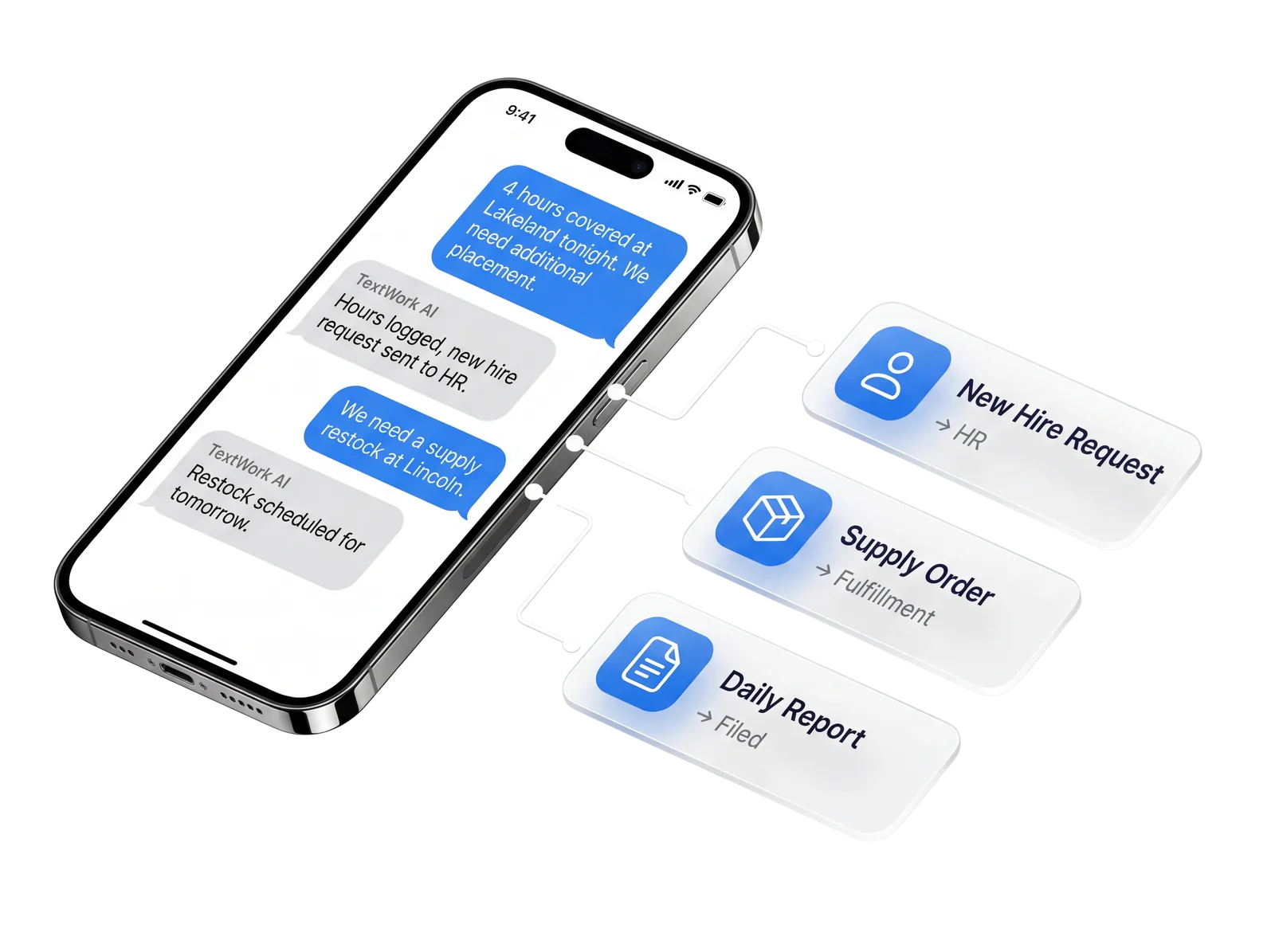
Reports while the details are fresh
Crews report from the jobsite in under a minute, instead of reconstructing the day from memory at the end of the week.
Every site at a glance
See who reported, what changed, and which sites need attention from one dashboard.
No apps or logins required
Your team answers from the texting app they already use, so reporting actually happens.
Had an issue with the lift on level 2

Thanks for flagging it. To file the report:
- Which lift and what happened?
- Was anyone hurt?
- Is it tagged out now?
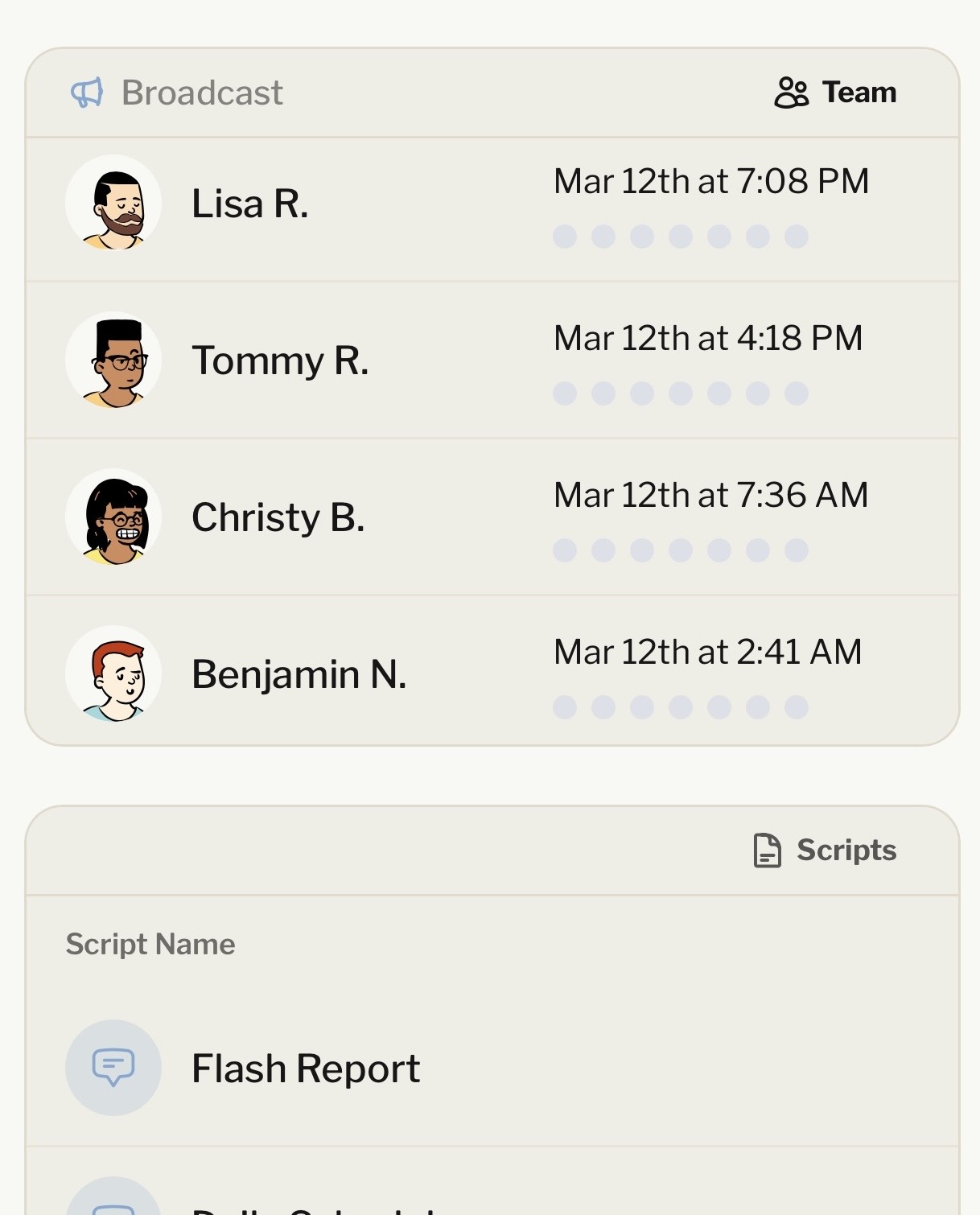
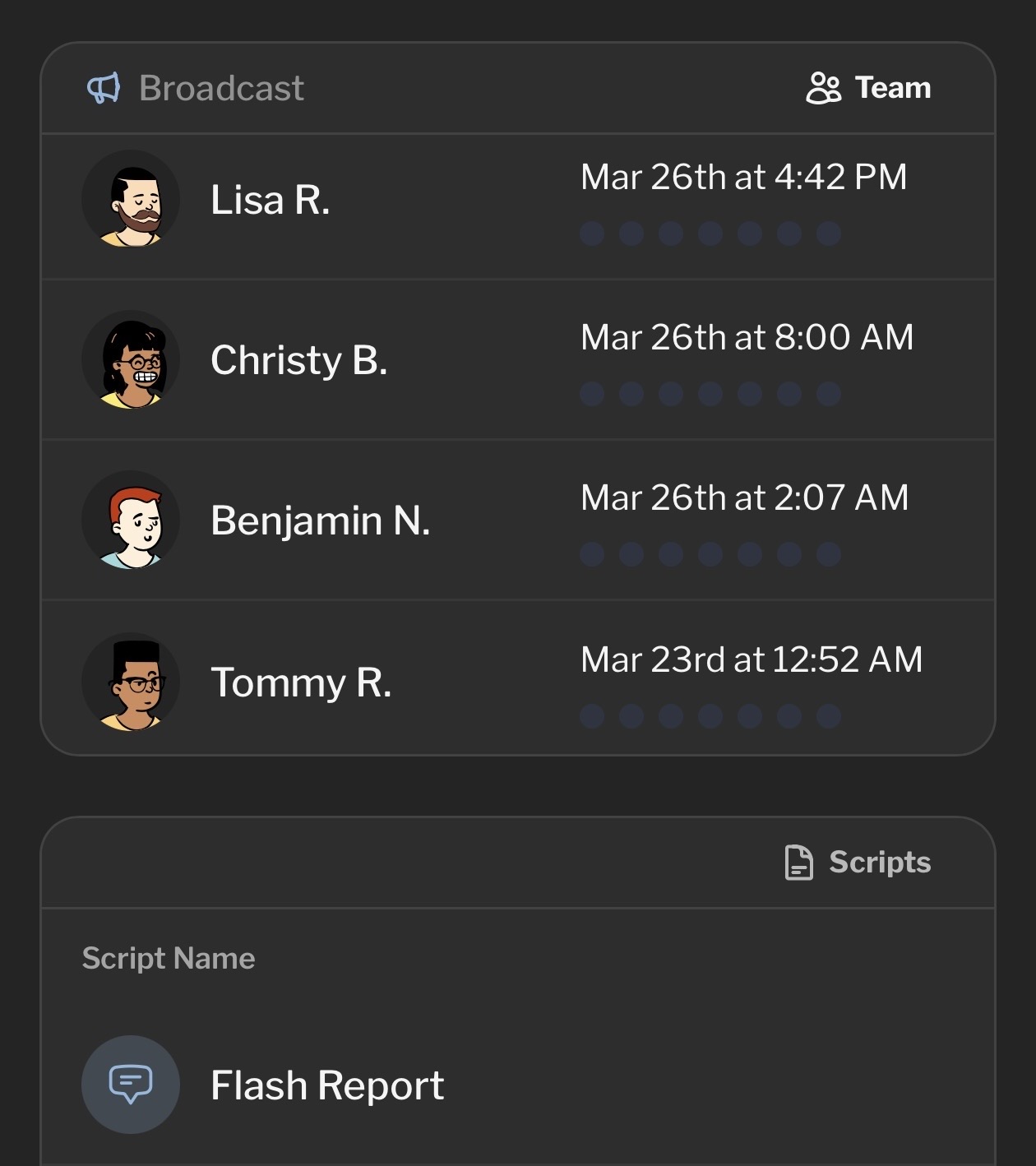
Broadcast to your team
Send one text to every employee at once
 SmartRecruiters
 Zillow Leads
 Microsoft Teams
 Google Meet
 Salesforce (soon)
We moved our crews to TextWork for daily reports
1. Every site reports, every day
2. No more chasing timesheets on Friday
3. We catch equipment problems days sooner
— Operations manager, Columbus, OH
Starttoday






Used by 180+ people
Questions about workforce reporting
Your field and frontline teams send updates by text: shift reports, site status, incidents, hours, materials, and photos. TextWork’s AI agent asks the follow-up questions a manager would ask and turns each conversation into a structured report.
Managers see every report on one dashboard instead of chasing texts, calls, and paper forms.
Crews already text. Apps get forgotten, logins expire, and forms get skipped at the end of a long shift.
A text that asks one question at a time gets answered from the jobsite, the truck, or the break room, so you get reports from the people who would never open a portal.
Daily site reports, end-of-shift check-ins, incident and near-miss reports, equipment issues, inspection notes, timesheet confirmations, and anything else you can describe as a set of questions.
You decide the fields. TextWork keeps every report in the same shape so you can compare across sites, crews, and weeks.
TextWork follows up. If a crew lead says “we had an issue with the lift,” the agent asks which lift, what happened, and whether anyone was hurt before it files the report.
Every report is saved with the transcript and the extracted fields. Managers can filter the dashboard, get summaries and scheduled digests by email, and share a read-only dashboard with stakeholders.
You can have a first report template running the same day. Write the questions you want answered, invite your team by phone number, and start testing conversations immediately.