
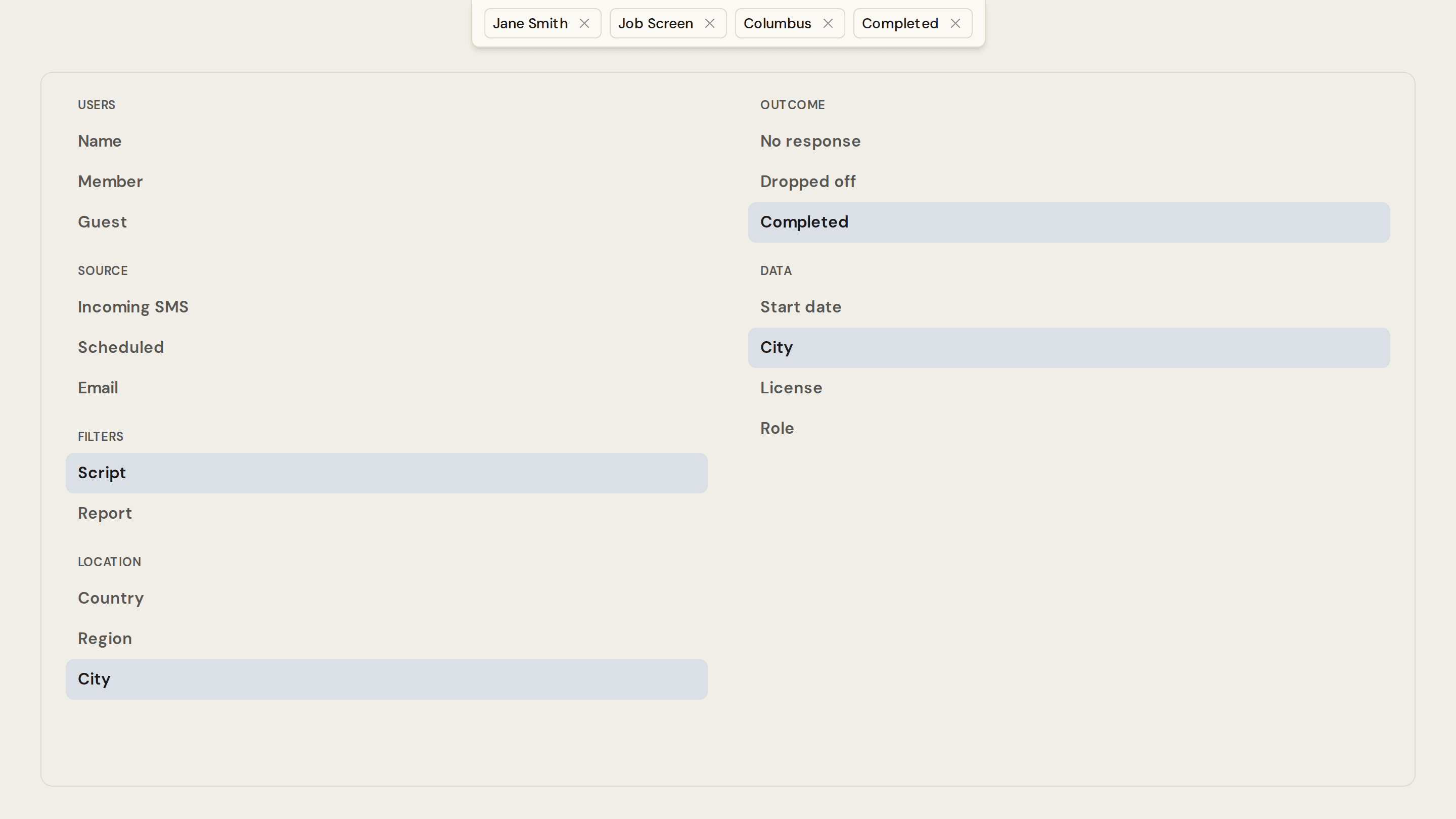
Open the funnel icon on the dashboard. The menu is grouped into Users, Source, Filters, Location, Outcome, and Data.
Add more than one filter and they combine. The date range at the top still applies. Active filters sit in a bar. Click a chip to change it, or the × to remove it.
How to use it is in Filter your data.