
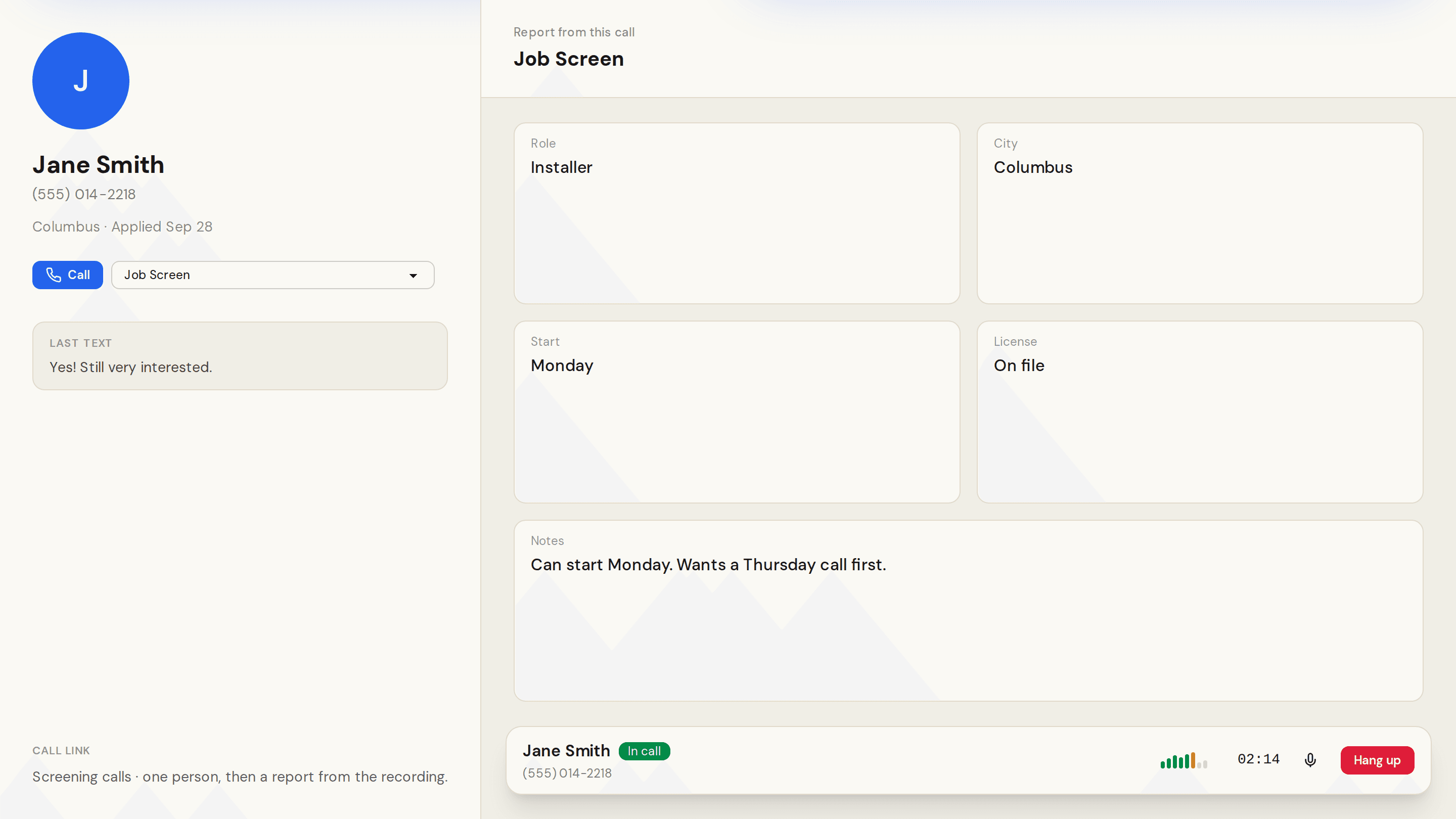
A call link is a page for one person. A teammate opens it, reviews them, and places the call. When the call ends, the recording becomes a report on that person's timeline.
Create it under Company Settings, then Pages, then New Page, and choose Call link. Pick the report template the call should fill.
Copy a link for one person from the card, or insert [call_link] in a Send message action so the text carries their link.
How to use it is in Call someone.